Skip to main content Skip to main navigation menu Skip to site footer
Journal of Regional Security
  • Register
  • Login
  • Current
  • Archives
  • Announcements
  • About
    • About the Journal
    • Submissions
    • Editorial Team
    • Privacy Statement
    • Contact
  1. Home /
  2. Archives /
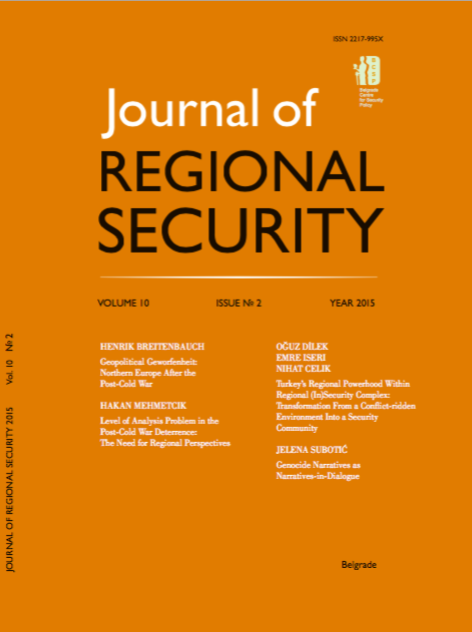
  3. Vol. 10 No. 2 (2015)

Published: 2018/08/29

Editorials

    • PDF
    Editor's Word
    Marko Kovačević
    108-111

Articles

    • PDF
    Geopolitical Geworfenheit: Northern Europe After the Post-Cold War
    Henrik Breitenbauch
    113-133
    • PDF
    Level of Analysis Problem in the Post-Cold War Deterrence: The Need for Regional Perspectives
    Hakan Mehmetcik
    135-153
    • PDF
    Turkey’s Regional Powerhood Within Regional (In)Security Complex: Transformation From a Conflict-ridden Environment Into a Security Community
    Oguz Dilek, Emre Iseri, Nihat Celik
    155-176
    • PDF
    Genocide Narratives as Narratives-in-Dialogue
    Jelena Subotić
    177-198

Reviews

    • PDF
    Acharya, Amitav. 2014. The End of American World Order. Cambridge: Polity Press, 157 pp. $ 19.95 (Paperback).
    Marija Popović
    199-201
Language
  • English
  • Srpski
MAKE A SUBMISSION
Information
  • For Readers
  • For Authors
  • For Librarians
© Copyright 2025. Centre for Evaluation in Education and Science

This field is required.
Close  
Ensuring a Blind Peer Review

To ensure the integrity of the blind peer-review for submission to this journal, every effort should be made to prevent the identities of the authors and reviewers from being known to each other. This involves the authors, editors, and reviewers (who upload documents as part of their review) checking to see if the following steps have been taken with regard to the text and the file properties:

  1. The authors of the document have deleted their names from the text, with Author and year used in the references and footnotes, instead of the authors' name, article title, etc.;
  2. With Microsoft Office documents, author identification should also be removed from the properties for the file (see under File in Word), by clicking on the following, beginning with File on the main menu of the Microsoft application: File > Save As > Tools (or Options with a Mac) > Security > Remove personal information from file properties on save > Save.
  3. With PDFs, the authors' names should also be removed from Document Properties found under File on Adobe Acrobat's main menu.